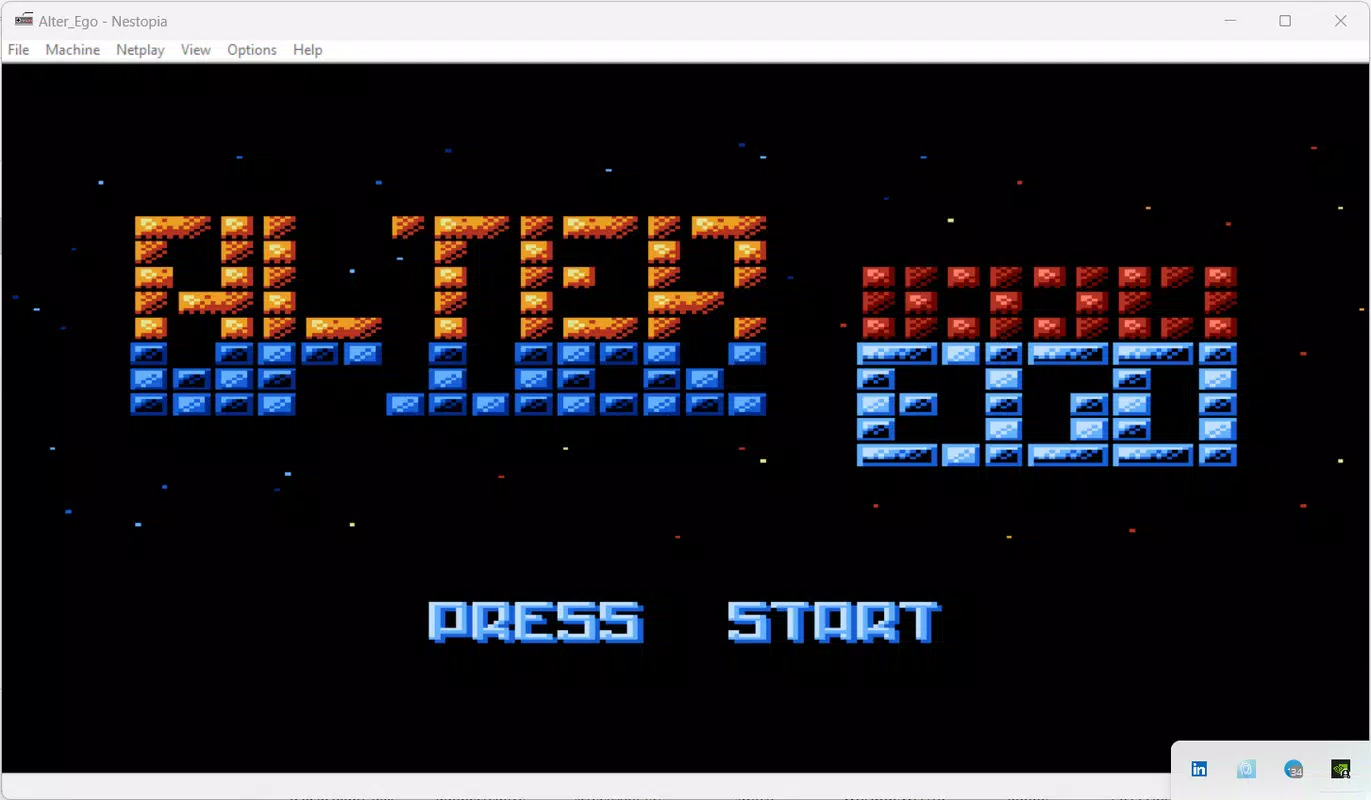
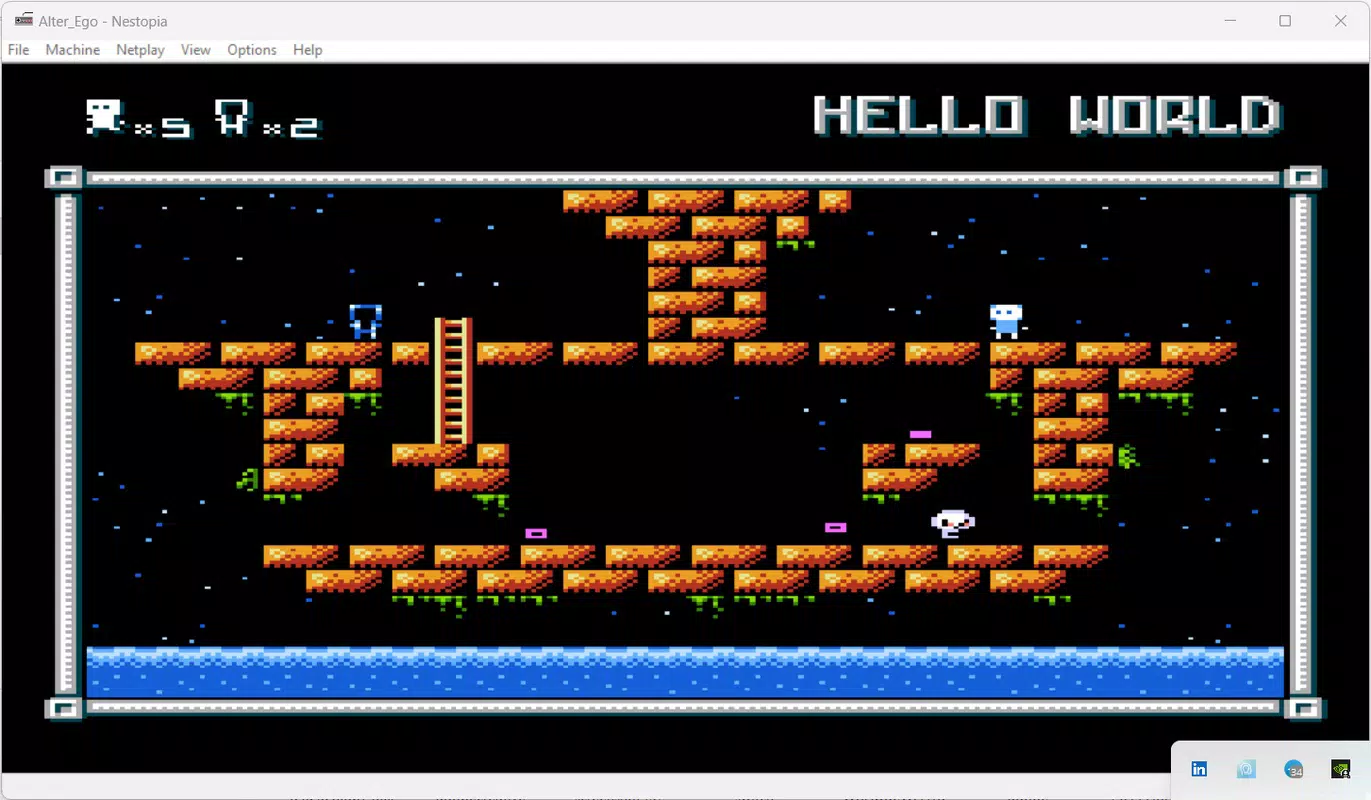

Download Nestopia – NES emulator, retro gaming, Famicom emulator, classic games, multiplayer emulator, nostalgic gaming
Overview
Nestopia is a mobile application designed to deliver an authentic retro gaming experience by emulating the classic Nintendo Entertainment System (NES), also known as the Famicom in Japan. The app enables users to play a wide range of beloved titles from the 80s and 90s, preserving the original gameplay, audio, and visual fidelity. It is particularly suited for nostalgic gamers seeking to revisit iconic games such as Super Mario Bros., The Legend of Zelda, and Mega Man, without the need for vintage hardware. The developer, Jason K. Menard, has crafted a tool that bridges generations of gaming enthusiasts by offering both technical accuracy and modern enhancements.
Target users include retro gaming aficionados, mobile gamers who appreciate classic titles, and users interested in preserving gaming history. Nestopia solves the challenge of accessing vintage games on contemporary devices by providing a reliable emulation layer. Its functionality extends beyond simple gameplay, offering features like peripheral support and online multiplayer, which enrich the experience beyond what was possible on the original console. In the current mobile app ecosystem, where nostalgia-driven content is increasingly popular, Nestopia stands out as a dedicated utility for fans of 8-bit gaming. The app’s free availability further enhances its accessibility, making it a valuable resource for anyone interested in classic gaming on Android.
Key Features & Functionality
- Accurate Emulation: Nestopia replicates the original NES hardware with high precision, ensuring that games run as they did on the physical console. This includes correct timing, sound processing, and graphical rendering, preserving the authentic feel of each title.
- Peripheral Support: The emulator supports a variety of accessories such as the Zapper, R.O.B., and the NES Four Score, allowing users to experience games with the same peripherals used during the original era.
- Online Multiplayer: Users can connect with others in real time to play classic NES games cooperatively or competitively, introducing a social dimension to retro gaming that was not available on the original hardware.
- User-Friendly Interface: The app features a clean, intuitive layout that simplifies game selection, configuration, and launch, reducing the learning curve for new users while still offering depth for experienced emulators.
- Customizable Controls: Players can reassign buttons, adjust touch sensitivity, and configure virtual joypads to suit their preferred playstyle, enhancing comfort and control during extended gaming sessions.
For example, a user can load a ROM of Super Mario Bros. and immediately configure the control layout to match their hand size and play habits. Another user might use the online multiplayer feature to team up with a friend to complete a challenging level in The Legend of Zelda. These real-world applications demonstrate how Nestopia combines technical reliability with user-centric design to deliver a seamless retro gaming experience.
Interface, UX & Performance
The user interface of Nestopia is designed with simplicity and functionality in mind. The main screen presents a grid or list of loaded games, with clear thumbnails and metadata. Navigation is straightforward, relying on intuitive touch gestures and minimal on-screen clutter. The app’s visual style maintains a retro aesthetic that complements the nostalgic theme, avoiding modern design distractions.
Users can access settings through a well-organized menu that allows adjustments to audio, video, input, and network options. The responsiveness of the interface is consistent across various Android device categories, including mid-range and high-end smartphones. Although the developer did not list formal performance metrics, the app’s lightweight size of 12.5 MB suggests optimized resource usage.
Stability appears reliable during extended gameplay sessions, with no reported crashes or freezes in the available data. The emulator runs smoothly on devices with moderate processing power, indicating efficient code architecture. Overall, the UX prioritizes ease of use without sacrificing functionality, making it accessible to both casual users and dedicated retro enthusiasts.
Platform Compatibility & Technical Requirements
Nestopia is available exclusively on the Android platform, making it accessible to a broad audience of mobile users. The current version is 1.2.0, released on November 20, 2023. The app has a file size of 12.5 MB, which is compact and suitable for devices with limited storage.
The developer did not specify minimum OS requirements or hardware specifications, so compatibility may vary depending on individual device capabilities. However, the lightweight nature of the app suggests it can function on Android devices from recent generations. Users should ensure their device supports the necessary APIs for ROM loading and network connectivity, particularly for the online multiplayer feature.
No additional permissions or system-level access were listed in the provided information.
Pros and Cons
Pros
- Free to download and use, increasing accessibility for all users.
- Highly accurate emulation of the original NES hardware.
- Supports a wide range of NES peripherals, enhancing gameplay authenticity.
- Includes online multiplayer functionality, adding a social element to retro gaming.
- Lightweight size (12.5 MB) ensures fast installation and minimal storage use.
Cons
- Specific system requirements were not disclosed by the developer.
- Online multiplayer may require stable internet connectivity for optimal performance.
- ROM file compatibility depends on user-provided game data, not built-in content.
- No official support for iOS or other platforms was mentioned.
- Customization options may require some trial and error for new users.
FAQ
Is Nestopia safe to download and use?
Yes, Nestopia is a legitimate emulator developed by Jason K. Menard. As long as users only load ROMs they legally own, the app itself poses no security risk. It does not contain malware or intrusive ads.
Can I play NES games offline?
Yes, once a game ROM is loaded, Nestopia can be used entirely offline. The online multiplayer feature is optional and requires an internet connection only when enabled.
Does Nestopia support iOS devices?
The developer has not released a version for iOS. The app is currently available only on Android.
How do I add games to Nestopia?
Users must manually load ROM files onto their device. The app does not include any built-in games. Supported formats typically include .nes files.
Are updates available for Nestopia?
Yes, the app has been updated to version 1.2.0 as of November 20, 2023. Future updates may include bug fixes, performance improvements, and new features.
Final Thoughts
Nestopia delivers a powerful and authentic retro gaming experience on Android, combining technical precision with modern enhancements like online multiplayer. Its accurate emulation, support for original peripherals, and user-friendly interface make it an ideal choice for fans of classic NES titles. The free pricing model and compact size further enhance its appeal, making it accessible to a wide audience.
While the lack of detailed system requirements may require users to test compatibility on their devices, the app’s performance and stability suggest a well-optimized build. Whether you're reliving childhood memories or discovering retro gaming for the first time, Nestopia offers a seamless and enjoyable experience. Download Nestopia now.


